Asked 5 months ago on November 11, 2025 12:28 PM Comments 13 times
Ricky
replied
5 months ago on November 17, 2025 4:29 AM
Hello
First, add the Brazilian language in the backend. After that, go to the project backend code and open: resources → lang. Inside the lang folder, you will see the Brazilian language folder with its short code name. Open that folder and go to the message file. Translate all messages into the Brazilian language.
Once all translations are completed, go to the application URL, change the language to Brazilian, and verify that everything is working correctly.
Thanks,
Ricky.
Wawa
replied
5 months ago on November 14, 2025 11:57 PM
I'm trying to understand what's happening. I recently opened a ticket because the backend was in English and the application was in Brazilian Portuguese. However, after performing the procedure, the backend reverted to Portuguese but the application remained in English. So I deleted the resources folder and uploaded the downloaded folder to CodeCanyon again, and I managed to restore the language, but the backend is now in English and the application is in Brazilian Portuguese. However, I need guidance on how to set both the backend and the application to Brazilian Portuguese as the default?
Ricky
replied
5 months ago on November 12, 2025 5:31 AM
In backend code, Please share the log files from the storage/logs directory for today and tomorrow’s dates.
Thanks,
Ricky.
Wawa
replied
5 months ago on November 12, 2025 4:43 AM
The app is already published on the Play Store and the Apple Store, but I can't generate an error log. For some reason, when I access the backend panel, the app, both Android and iOS, is in English.
Wawa
replied
5 months ago on November 12, 2025 4:35 AM
What do you mean by sharing the records? I don't understand. Please tell me step-by-step what I have to do to get the application to work in Brazilian Portuguese. I've tried everything and it's no longer working in Portuguese.
Ricky
replied
5 months ago on November 12, 2025 4:24 AM
Hello Please share the logs.
Thanks,
Ricky.
Wawa
replied
5 months ago on November 11, 2025 1:32 PM
When I try to upload the file in bulk, I get a 500 error.
Ameliya
replied
5 months ago on November 11, 2025 12:40 PM
Hello,
You can add language from the admin panel. Go to the admin panel. In the left menu panel, Go to App Language setting -> Language list. Here you can add a language and set it as the default language to set the language of the app.

Ricky replied 5 months ago on November 17, 2025 4:29 AM
Hello
First, add the Brazilian language in the backend.
After that, go to the project backend code and open: resources → lang.
Inside the
langfolder, you will see the Brazilian language folder with its short code name.Open that folder and go to the message file. Translate all messages into the Brazilian language.
Once all translations are completed, go to the application URL, change the language to Brazilian, and verify that everything is working correctly.
Ricky.
Wawa replied 5 months ago on November 14, 2025 11:57 PM
I'm trying to understand what's happening. I recently opened a ticket because the backend was in English and the application was in Brazilian Portuguese. However, after performing the procedure, the backend reverted to Portuguese but the application remained in English. So I deleted the resources folder and uploaded the downloaded folder to CodeCanyon again, and I managed to restore the language, but the backend is now in English and the application is in Brazilian Portuguese. However, I need guidance on how to set both the backend and the application to Brazilian Portuguese as the default?
Ricky replied 5 months ago on November 12, 2025 5:31 AM
In backend code,
Please share the log files from the
storage/logsdirectory for today and tomorrow’s dates.Ricky.
Wawa replied 5 months ago on November 12, 2025 4:43 AM
The app is already published on the Play Store and the Apple Store, but I can't generate an error log. For some reason, when I access the backend panel, the app, both Android and iOS, is in English.
Wawa replied 5 months ago on November 12, 2025 4:35 AM
What do you mean by sharing the records? I don't understand. Please tell me step-by-step what I have to do to get the application to work in Brazilian Portuguese. I've tried everything and it's no longer working in Portuguese.
Ricky replied 5 months ago on November 12, 2025 4:24 AM
Hello
Please share the logs.
Ricky.
Wawa replied 5 months ago on November 11, 2025 1:32 PM
When I try to upload the file in bulk, I get a 500 error.
ATTACHED FILES
Wawa replied 5 months ago on November 11, 2025 1:16 PM
I uninstalled and reinstalled it, but it's still in English.
Wawa replied 5 months ago on November 11, 2025 12:59 PM
I did that, but it's still in English.
ATTACHED FILES
Ameliya replied 5 months ago on November 11, 2025 12:51 PM
Thanks & regards
- Ameliya
Ameliya replied 5 months ago on November 11, 2025 12:49 PM
Go to App Language setting -> Language list. Here you can add a language and set it as the default language to set the language of the app.
Thanks & regards
- Ameliya
Wawa replied 5 months ago on November 11, 2025 12:46 PM
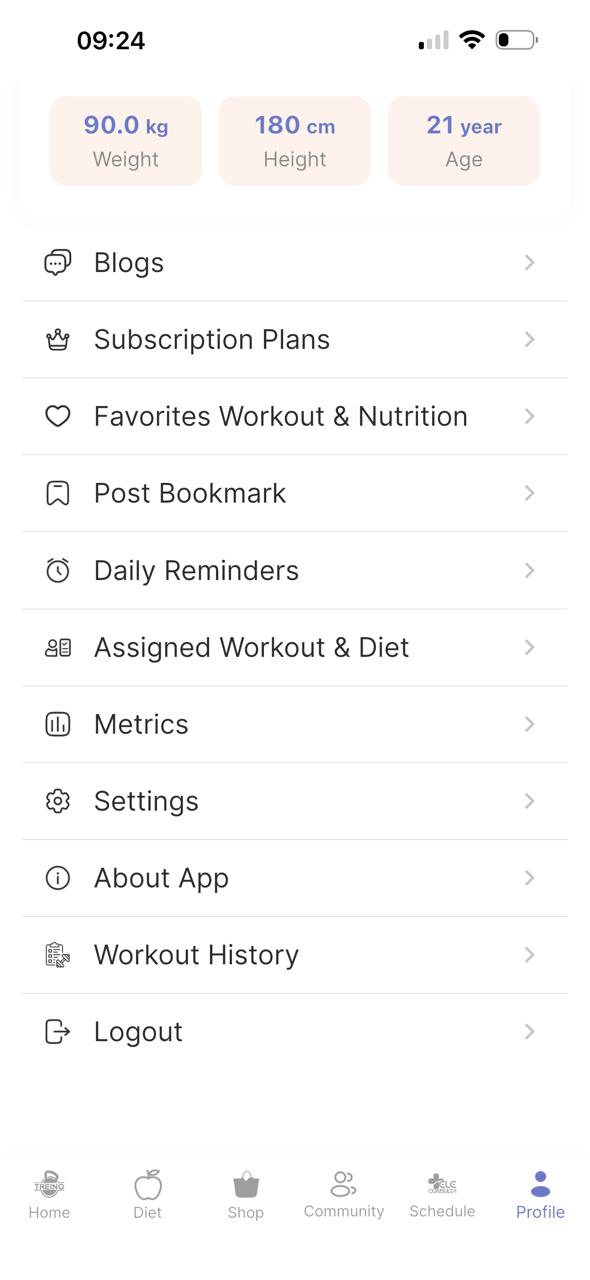
I can't change it to Portuguese, even if I change it to Portuguese it remains in English.
ATTACHED FILES
Ameliya replied 5 months ago on November 11, 2025 12:40 PM
Thanks & regards
- Ameliya